That glitching is very unusual. I wonder if it’s an issue with the shader itself, or any other mods you might have.
bbcnvn on
Install c2me and noisium
Trick-Caramel-6156 on
Reeeemove that shader!
Quinientos500 on
Do you use hdmi or display port?
Tough-Zombie-8990 on
That doesn’t even look like a conventional lag spike. Almost like a connection issue which is strange considering it’s single player lol
RegisterAcademic3131 on
Laptops and shaders do not get along. It’s probably not a gpu issue, it’s more than likely cpu tapping out. Minecraft relies more on cpu than gpu due to entities. World depth/height can also affect it.
_V_R_C_2064 on
What are you pc specs and how much storage do you have available? It doesn’t look like frame drops, this is something else like a glitch, maybe a storage issue. You should try reinstalling the game or try another client like lunar or something cuz this isn’t frame drops.
Constant_Dot1306 on
Looks like an issue with garbage collection, learnt from gpt that it has 2 types of lag, the constant bits and then the big ones, which are probably why your getting your frame drops, i’d try asking gpt for more suitable arguements.
wiseneddustmite on
it could be server side if you’re on a server or that you have bad ram like ddr4 2 mt/s cl67 what specs?
edit: nvm i looked at your f3 menu and i dont think you’ll get that kind of stuttering on ddr5 maybe a bad shader pack?
Are u using those optimization mods Forge gives terrible memory leaks I had a similar problem when hardware was not the issue I’ve found those optimization mods like modern fix, ferrite core, and entity culling really help out I’m sure there’s more
MinecraftPlayer799 on
Those aren’t frame drops. That appears to be a glitch from a mod or something. It is not rendering-related at all.
dagreenkat on
What is your full mod list?
_vogonpoetry_ on
Considering you are rubber banding and the server TPS is spiking up past 100ms, there is clearly something very wrong on the system level.
A good first step would be to check if this still occurs with the integrated Radeon 780M instead of the Nvidia GPU.
Also what launcher is this? Does it happen on other launchers?
Vladimir_Djorjdevic on
Check your gpu temperatures and downgrade the driver. The version you are running (595.59) has a known bug that breaks fan speed control.
THEfogVAULT on
That’s not framedrops, that’s extreme stuttering. There is something else at play here and I’m not even sure it’s Minecraft specific – even if that’s where you’ve noticed it.
Dadamalda on
Seems like a garbage collection (memory) issue. 4GB allocated isn’t that much in a modded context.
What are your Java arguments/flags? If you’re using unoptimized ones, it can cause this.
jsquad23 on
This is a cpu usage/cpu can’t keep up issue only way to fix it is by turning down/off a bunch of stuff and then closing things out in the background
Substantial_Cake8985 on
What’s ur pc specs?
eepy_lina on
never heard of that cpu but judging by the name it might be the bottleneck
StrangeImprovement52 on
wasn’t iris disconnected?
ComfortableSomeone on
How much ram?
HaIfaxa_ on
I had this same issue. Go into Nvidia Contol Panel (or the app) and limit the games FPS and force vsync in the settings there. For some reason it wasn’t activating for me in game, and the FPS was all over the place until I did this.
StrangeImprovement52 on
did you check which GPU the game using
Intense_Pretzel on
Few questions
1. How much ram did you allocate?
2. What display adapter are you using?
3. What model is your graphics card?
4. What version are you playing?
5. Are you playing on a server or solo?
6. Do you have any mods?
StrangeImprovement52 on
just reinstall the game and apple the mods and shader 1 by 1 until you find the culprit or the problem
slimlancaster718 on
If you run Minecraft with no mods at all, are you still experiencing this?
Parking_Cow9653 on
Turn it off and turn it back on (Jj/)
avgHumanPersonThing on
This might sound counterintuitive, but have you tried running it at the default 2GB of RAM?
Skeptium on
What’s your render distance on?
skitzbuckethatz on
Same issue since updating from 1.21.4 to 1.21.11
Ok_Entrance_9997 on
It seems like a frame pacing issue. I’m not sure what’s causing it to do this, though. Could be a driver issue, or a hardware issue (cables, or the display controller on the monitor, though it could also be monitor firmware causing it). The garbage collector would be causing the freezes, as you see the memory count go down after them. Now that I think about it, your cpu could also be the cause of the frame pacing issue (repeating previous frames after later ones).
Edit: It could also be that Minecraft is trying to use more RAM than you have available in your system, and not necessarily an allocation issue. Check task manager to see what spikes when you get the freezes, and monitor the RAM utilisation.
Archmikem on
What in the world is a Ryzen 7 250?
ramencurl on
Have you tried maybe turning the computer off and on?
MC_TUM3R on
Hi I read the comments, and u do not think this was mentioned. Have you had this problem before or is this the first time?
TheInkySquids on
Do you have any programs installed for gaming peripherals like Logitech G Hub, Razer Cortex, Corsair iCUE (this is the worst), etc.? These have been known to cause major issues on some systems. Check for any other unknown processes in Task Manager too.
Cause you’re on a laptop, make sure there’s no power profile limiting performance. And if all else fails, I’d put good money on Windows 11 being an issue, especially if it was recently updated. I downgraded to Windows 10 and its been so much more stable.
A_Happy_Tomato on
Your render distance is huge, lower it to like 10 or 12.
gaspour9 on
are you online ? the first “lag” doesn’t look like lag at all more like some weird version of rollback ig. If you’re on single player then I think you got a weird error, could be the system you have, or maybe certain mods. I’d try vanilla (through the mc launcher not any other) if still get the issue backup your world and disinstall mc then reinstall

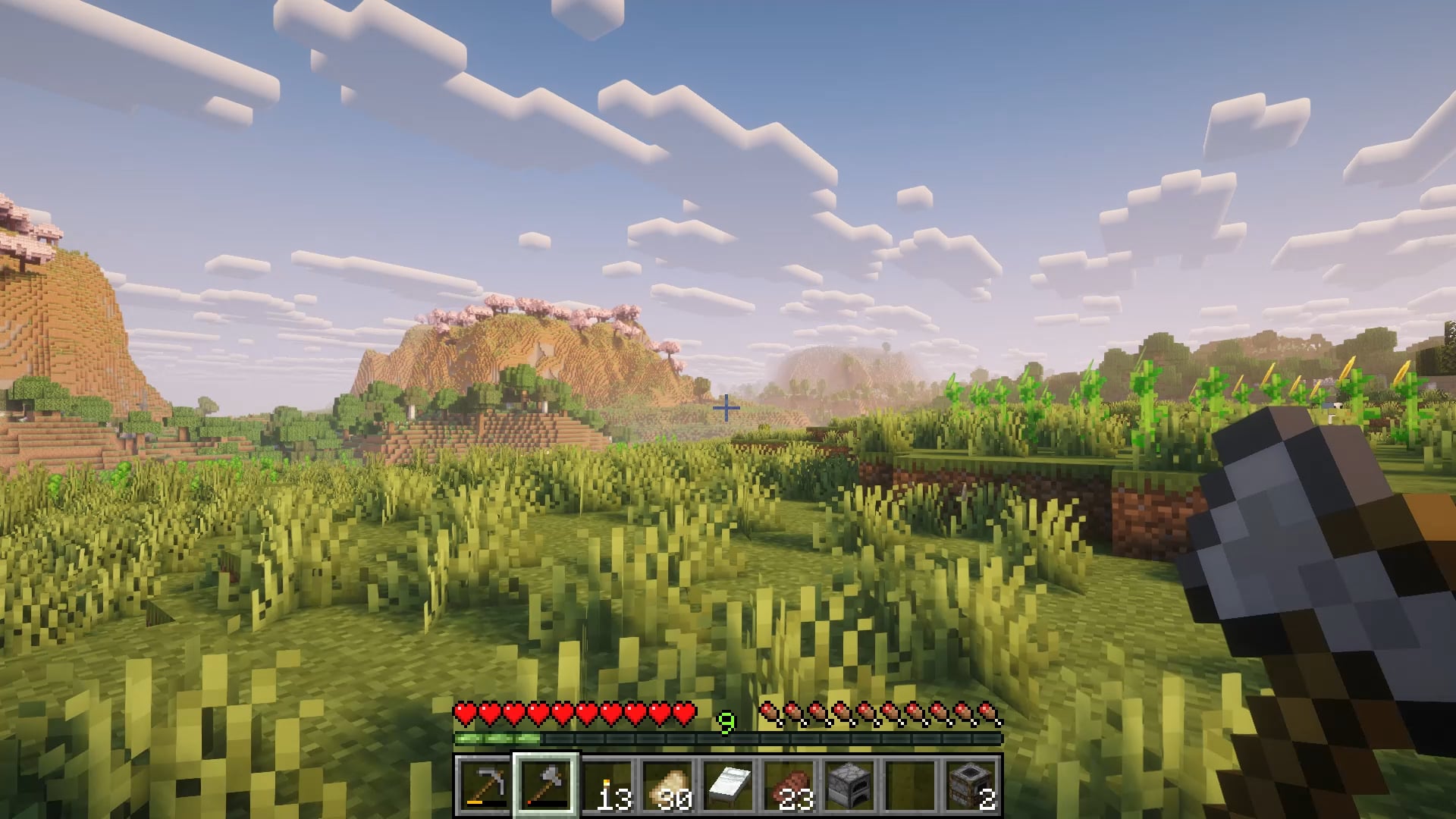
41 Comments
Have you tried disabling VSYNC?
Windows 11?
Lower your render distance.
Does the lag still happen without shaders?
That glitching is very unusual. I wonder if it’s an issue with the shader itself, or any other mods you might have.
Install c2me and noisium
Reeeemove that shader!
Do you use hdmi or display port?
That doesn’t even look like a conventional lag spike. Almost like a connection issue which is strange considering it’s single player lol
Laptops and shaders do not get along. It’s probably not a gpu issue, it’s more than likely cpu tapping out. Minecraft relies more on cpu than gpu due to entities. World depth/height can also affect it.
What are you pc specs and how much storage do you have available? It doesn’t look like frame drops, this is something else like a glitch, maybe a storage issue. You should try reinstalling the game or try another client like lunar or something cuz this isn’t frame drops.
Looks like an issue with garbage collection, learnt from gpt that it has 2 types of lag, the constant bits and then the big ones, which are probably why your getting your frame drops, i’d try asking gpt for more suitable arguements.
it could be server side if you’re on a server or that you have bad ram like ddr4 2 mt/s cl67 what specs?
edit: nvm i looked at your f3 menu and i dont think you’ll get that kind of stuttering on ddr5 maybe a bad shader pack?
Try Nvidium.
https://github.com/drouarb/nvidium
Are u using those optimization mods Forge gives terrible memory leaks I had a similar problem when hardware was not the issue I’ve found those optimization mods like modern fix, ferrite core, and entity culling really help out I’m sure there’s more
Those aren’t frame drops. That appears to be a glitch from a mod or something. It is not rendering-related at all.
What is your full mod list?
Considering you are rubber banding and the server TPS is spiking up past 100ms, there is clearly something very wrong on the system level.
A good first step would be to check if this still occurs with the integrated Radeon 780M instead of the Nvidia GPU.
Also what launcher is this? Does it happen on other launchers?
Check your gpu temperatures and downgrade the driver. The version you are running (595.59) has a known bug that breaks fan speed control.
That’s not framedrops, that’s extreme stuttering. There is something else at play here and I’m not even sure it’s Minecraft specific – even if that’s where you’ve noticed it.
Seems like a garbage collection (memory) issue. 4GB allocated isn’t that much in a modded context.
What are your Java arguments/flags? If you’re using unoptimized ones, it can cause this.
This is a cpu usage/cpu can’t keep up issue only way to fix it is by turning down/off a bunch of stuff and then closing things out in the background
What’s ur pc specs?
never heard of that cpu but judging by the name it might be the bottleneck
wasn’t iris disconnected?
How much ram?
I had this same issue. Go into Nvidia Contol Panel (or the app) and limit the games FPS and force vsync in the settings there. For some reason it wasn’t activating for me in game, and the FPS was all over the place until I did this.
did you check which GPU the game using
Few questions
1. How much ram did you allocate?
2. What display adapter are you using?
3. What model is your graphics card?
4. What version are you playing?
5. Are you playing on a server or solo?
6. Do you have any mods?
just reinstall the game and apple the mods and shader 1 by 1 until you find the culprit or the problem
If you run Minecraft with no mods at all, are you still experiencing this?
Turn it off and turn it back on (Jj/)
This might sound counterintuitive, but have you tried running it at the default 2GB of RAM?
What’s your render distance on?
Same issue since updating from 1.21.4 to 1.21.11
It seems like a frame pacing issue. I’m not sure what’s causing it to do this, though. Could be a driver issue, or a hardware issue (cables, or the display controller on the monitor, though it could also be monitor firmware causing it). The garbage collector would be causing the freezes, as you see the memory count go down after them. Now that I think about it, your cpu could also be the cause of the frame pacing issue (repeating previous frames after later ones).
Edit: It could also be that Minecraft is trying to use more RAM than you have available in your system, and not necessarily an allocation issue. Check task manager to see what spikes when you get the freezes, and monitor the RAM utilisation.
What in the world is a Ryzen 7 250?
Have you tried maybe turning the computer off and on?
Hi I read the comments, and u do not think this was mentioned. Have you had this problem before or is this the first time?
Do you have any programs installed for gaming peripherals like Logitech G Hub, Razer Cortex, Corsair iCUE (this is the worst), etc.? These have been known to cause major issues on some systems. Check for any other unknown processes in Task Manager too.
Cause you’re on a laptop, make sure there’s no power profile limiting performance. And if all else fails, I’d put good money on Windows 11 being an issue, especially if it was recently updated. I downgraded to Windows 10 and its been so much more stable.
Your render distance is huge, lower it to like 10 or 12.
are you online ? the first “lag” doesn’t look like lag at all more like some weird version of rollback ig. If you’re on single player then I think you got a weird error, could be the system you have, or maybe certain mods. I’d try vanilla (through the mc launcher not any other) if still get the issue backup your world and disinstall mc then reinstall