
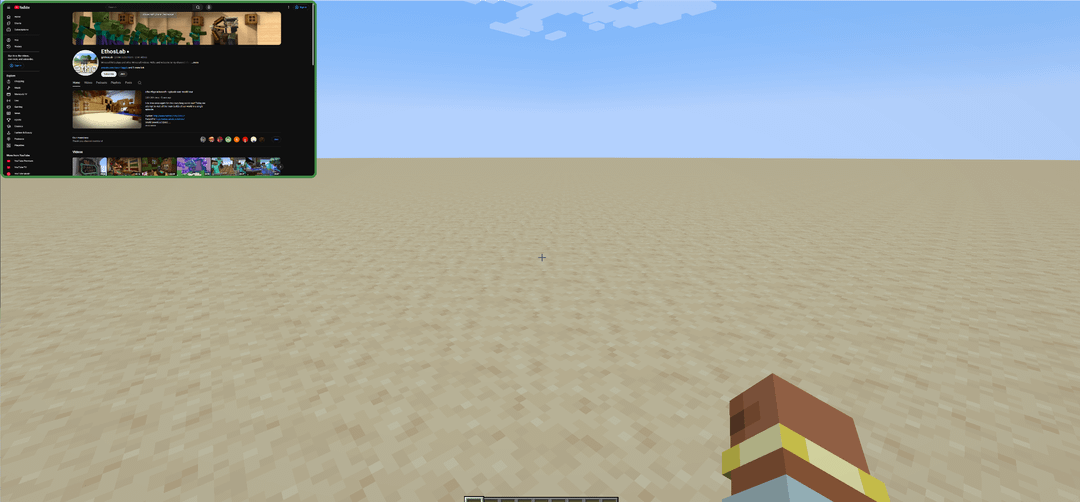
I know there are a couple other mods that also implement a browser, using MCEF like mine, but I couldn't find one with all the features I wanted, so I made my own.
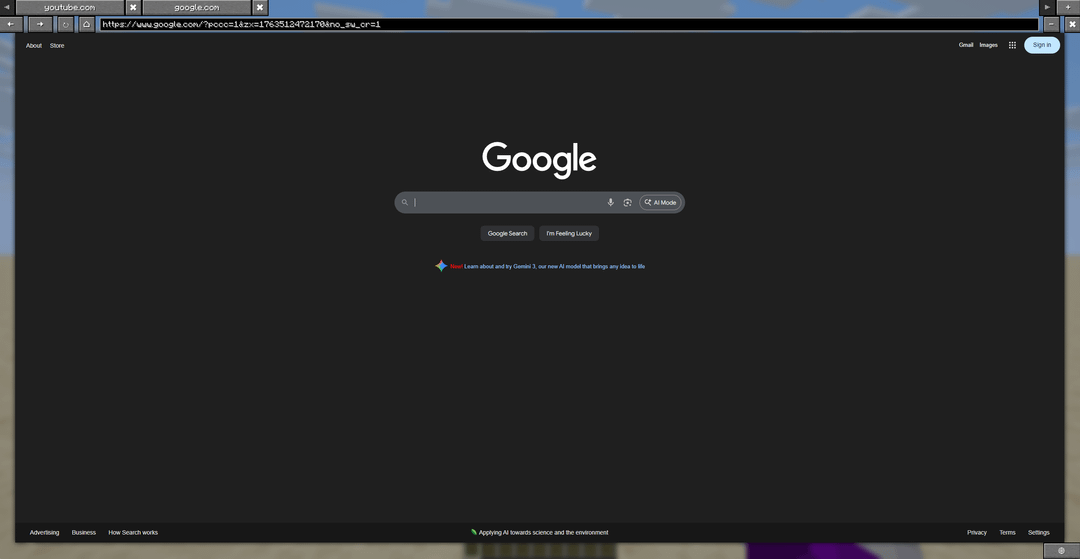
Pressing the Home key opens the browser screen. Here you are greeted with a Chromium based web browser, with multiple tabs support, an address bar, back/forward buttons, a minimize button, a close screen button, and an open in external browser button.
You can search directly from the address bar like you would expect, using the google search engine. However just like similar mods it has its limitations with not being able to stream most big streaming services like Netflix and Hulu. It can run Youtube however.
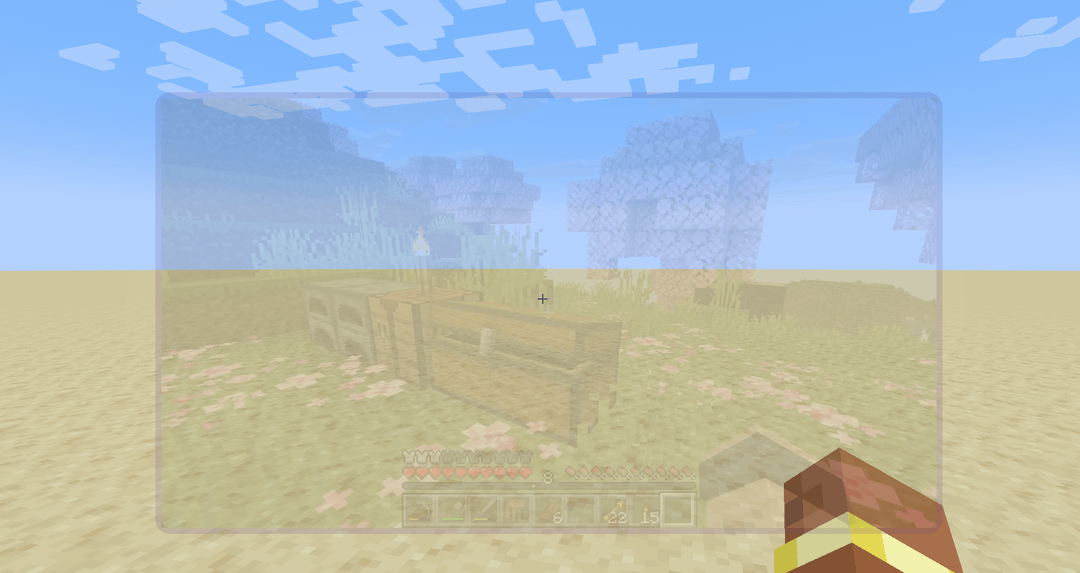
Closing the screen will give you a PIP window on your hud that shows whichever tab you were on. You can click the "Hud Edit" button in the top left of the settings screen to get access to a screen where you can change the size of the PIP window, adjust the transparency of the window or even change the color of the border.
I can see this being useful for single monitor users who like to watch Youtube while playing, following a build guide or easily accessing the wiki.
I'm open to advice, potential features, or critique. It's currently available on CurseForge and still waiting for Modrinth to accept the mod. I would like to add open source in the future when I'm more comfortable with Github.
by Mr_Zylr
3 Comments
could be fun to use, but wouldn’t fit a survival word imo
I use floating video player, but the problem is that it always covers JEI/Bookmarks/Map (IT ALWAYS COVERS AT LEAST SOMETHING). So. My question is – can this window resize JEI like other GUI’s do (from mekanism for example)?
i wonder how much ram it will devoure