
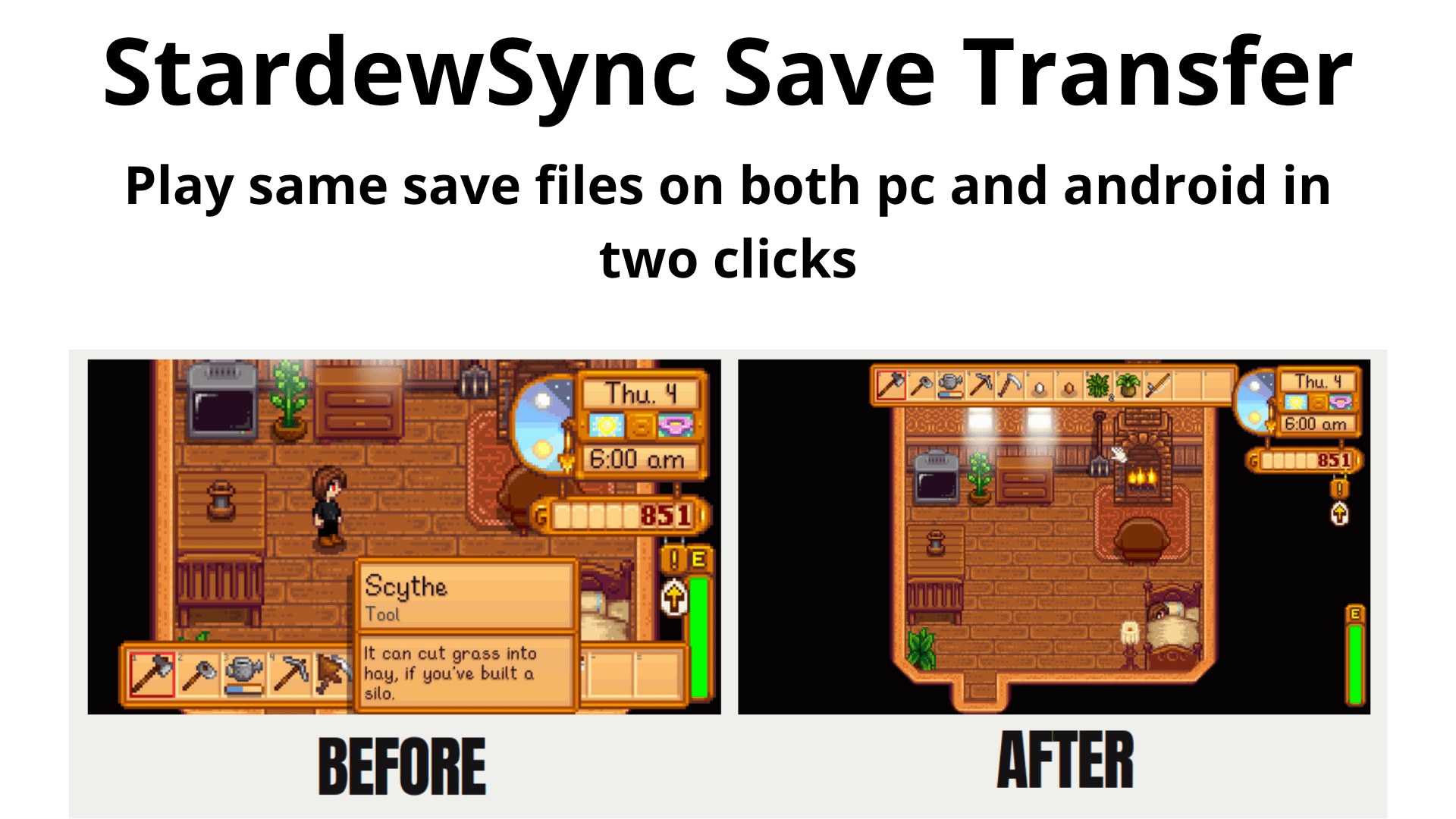
Ever spent an entire evening perfectly placing every keg and beehive on your PC, only to realize you’re stuck staring at a spreadsheet the next day instead of finishing your masterpiece?
With cloud storage StardewSync bridges the gap between your desk and your pocket. It’s a lightweight, cross-platform save manager that ensures your grind never has to stop, making your gameplay as flexible as a Forest Farm layout.
The biggest headache with cross-platform saves is the UI. A save file optimized for a small mobile screen looks massive and awkward on a 27-inch PC monitor.
StardewSync handles the math for you. It automatically detects your device's display and rewrites the resolution, UI scale, and zoom level within your save file during the transfer. When you move your save from Android to PC, it’s already perfectly upscaled for your desktop with no menu-fiddling required.
check it out on (Completely free no ads etc):
https://github.com/Rapfeenix/Stardew-Cross-Platform-Save-Manager
I have made the step-by-step for both linux and windows. I will probably make the mac os and ios version as soon as i get the resources.
Suggestions are welcomed!!! Thanks Everyone
by Top_Nectarine_5311
3 Comments
I love this !!!
My version on android looks different.
The tools are on the left and the hud is basic.
Am i out of date?
I believe both screenshots are from the computer after transfer. The left is without the automating described, the right is with it.
What you describe is the android ui currently.