Got a lot of questions on my original post so I’m just going to copy paste my past response:
Seems to be a lot of people interested in how I did this in one day so I’ll give some quick time saving tips here 🙂
Tools/mods: Axiom, worldedit (90% of this is done using the axiom edit UI)
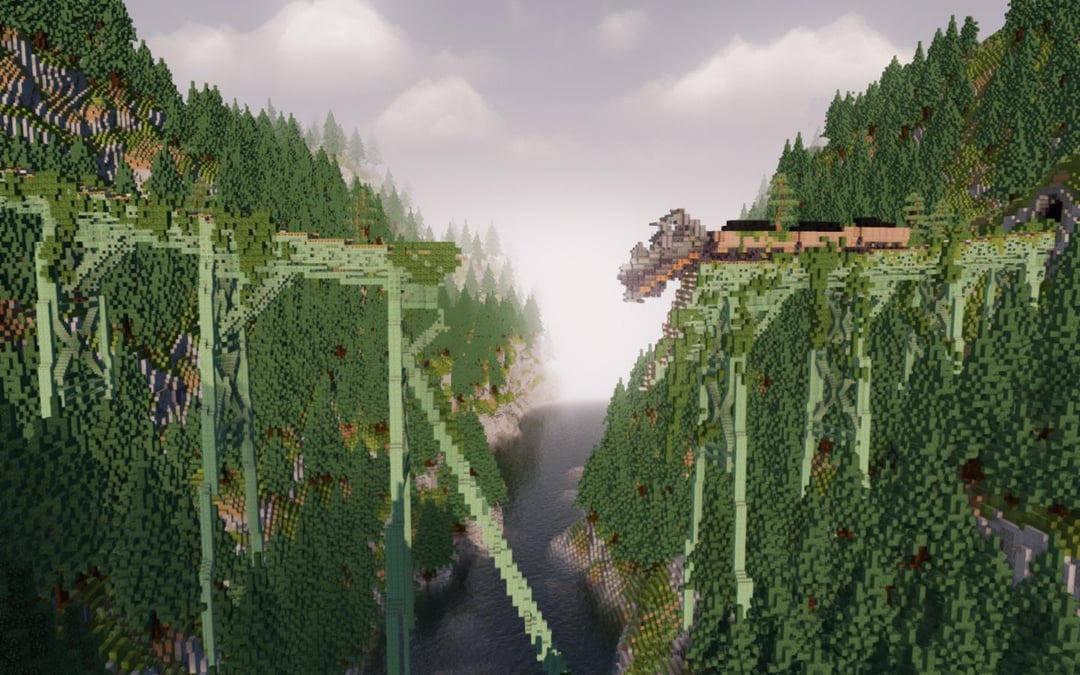
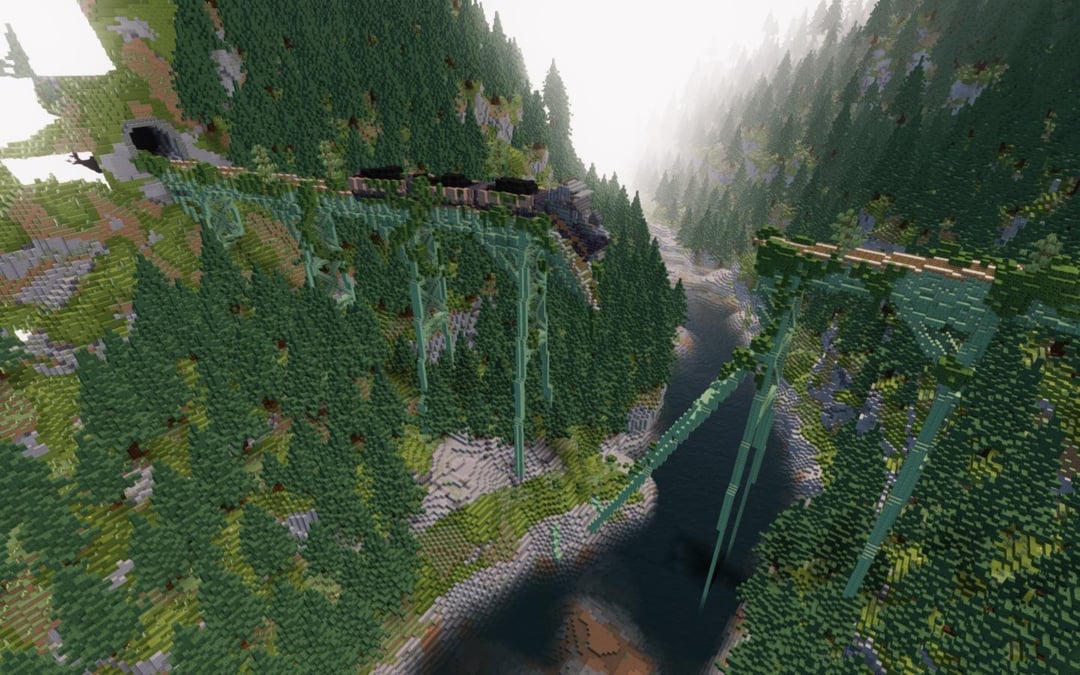
Terrain: I mostly use the rock tool in Axiom edit mode to make the terrain. I put it on the largest scale and start shaping out the mountains.
Texture: For the texture (grass, rocks and whatnot) I use the noise painter tool. Do note though that it’s best used alongside the tool mask which you find in the top of the edit UI in axiom. The most important part of the tool mask for texturing mountains is the angle tool. I can’t remember what exact numbers I used but you can play around with it until the grass falls on flatter areas and the rock on the steeper areas.
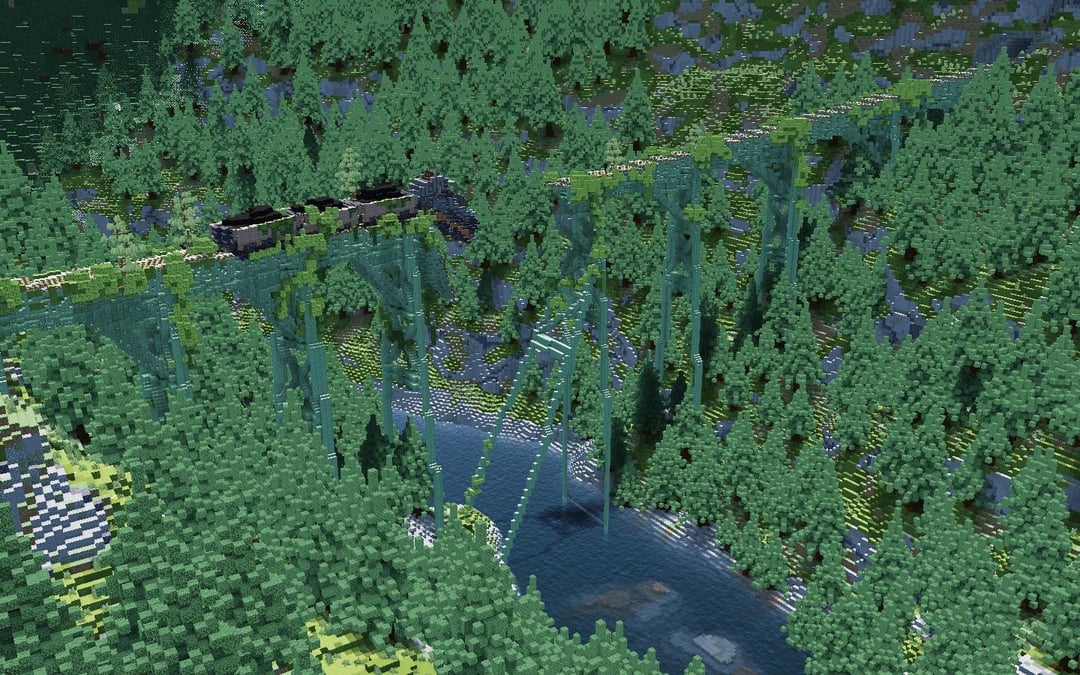
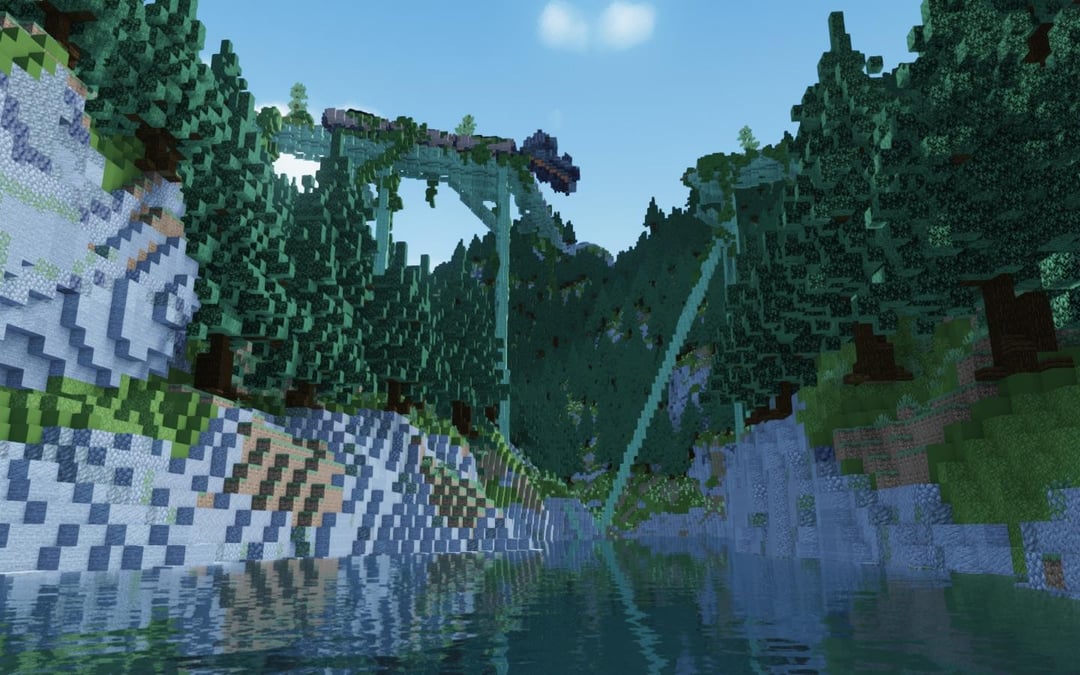
Water: For the water I just use the fluid ball tool. It’s a very powerful tool that I used a bit more in this build, but you can’t really see it. Really effective for making flowing rivers with height variation.
Trees: Custom tree pack that I downloaded, pasted into the world using the axiom stamp tool. Plenty of great tutorials of this on YouTube.
Train tracks (same method very powerful for all types of bridges):
1. Design one part of the tracks separately, with a repeatable pattern.
2. Select the entire thing with the magic wand tool and do ctrl + C to copy to clipboard.
3. Use the path tool and set the pattern to clipboard.
4. Design to your heart’s content
The train is done in a very similar way, except to turn down the locomotive I selected only the locomotive and pressed ctrl + X to rotate. (Important to choose unlock rotation) and rotated till it looked somewhat presentable.
TriangularHexagon on
at first it reminded me of the train scene from back to the future part 3

2 Comments
Got a lot of questions on my original post so I’m just going to copy paste my past response:
Seems to be a lot of people interested in how I did this in one day so I’ll give some quick time saving tips here 🙂
Tools/mods: Axiom, worldedit (90% of this is done using the axiom edit UI)
Terrain: I mostly use the rock tool in Axiom edit mode to make the terrain. I put it on the largest scale and start shaping out the mountains.
Texture: For the texture (grass, rocks and whatnot) I use the noise painter tool. Do note though that it’s best used alongside the tool mask which you find in the top of the edit UI in axiom. The most important part of the tool mask for texturing mountains is the angle tool. I can’t remember what exact numbers I used but you can play around with it until the grass falls on flatter areas and the rock on the steeper areas.
Water: For the water I just use the fluid ball tool. It’s a very powerful tool that I used a bit more in this build, but you can’t really see it. Really effective for making flowing rivers with height variation.
Trees: Custom tree pack that I downloaded, pasted into the world using the axiom stamp tool. Plenty of great tutorials of this on YouTube.
Train tracks (same method very powerful for all types of bridges):
1. Design one part of the tracks separately, with a repeatable pattern.
2. Select the entire thing with the magic wand tool and do ctrl + C to copy to clipboard.
3. Use the path tool and set the pattern to clipboard.
4. Design to your heart’s content
The train is done in a very similar way, except to turn down the locomotive I selected only the locomotive and pressed ctrl + X to rotate. (Important to choose unlock rotation) and rotated till it looked somewhat presentable.
at first it reminded me of the train scene from back to the future part 3