
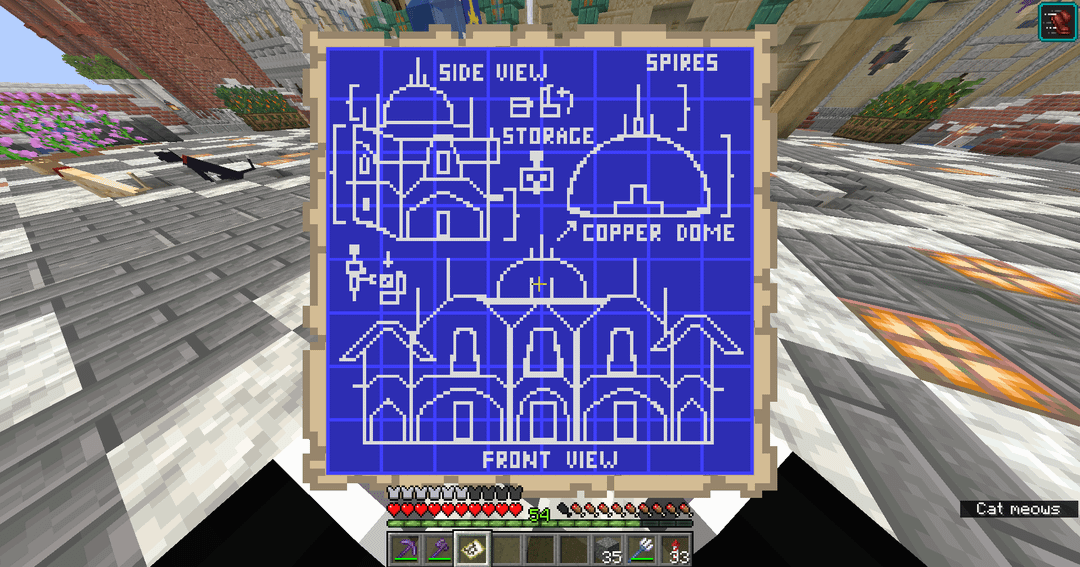
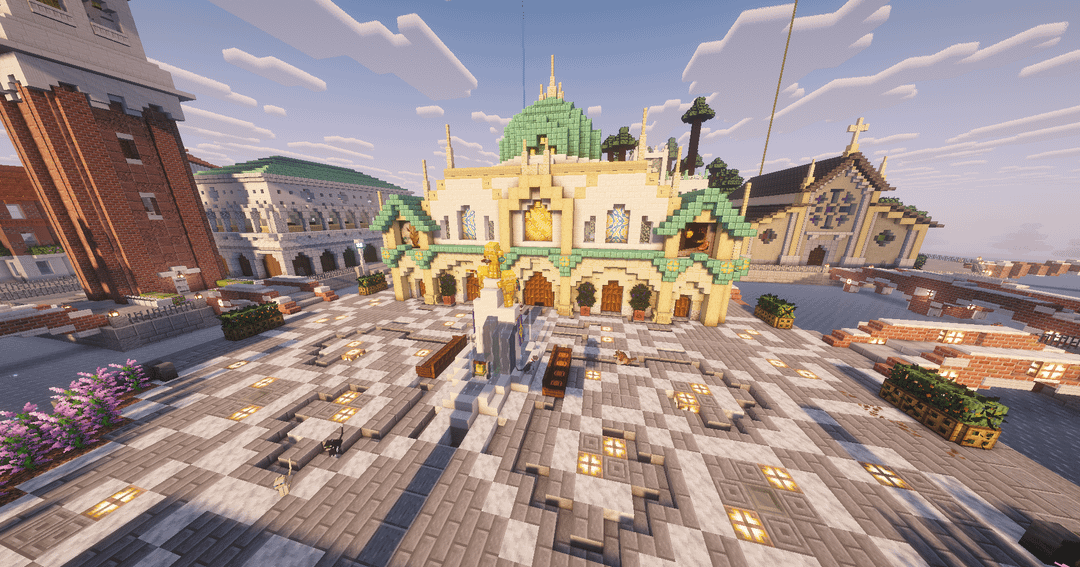
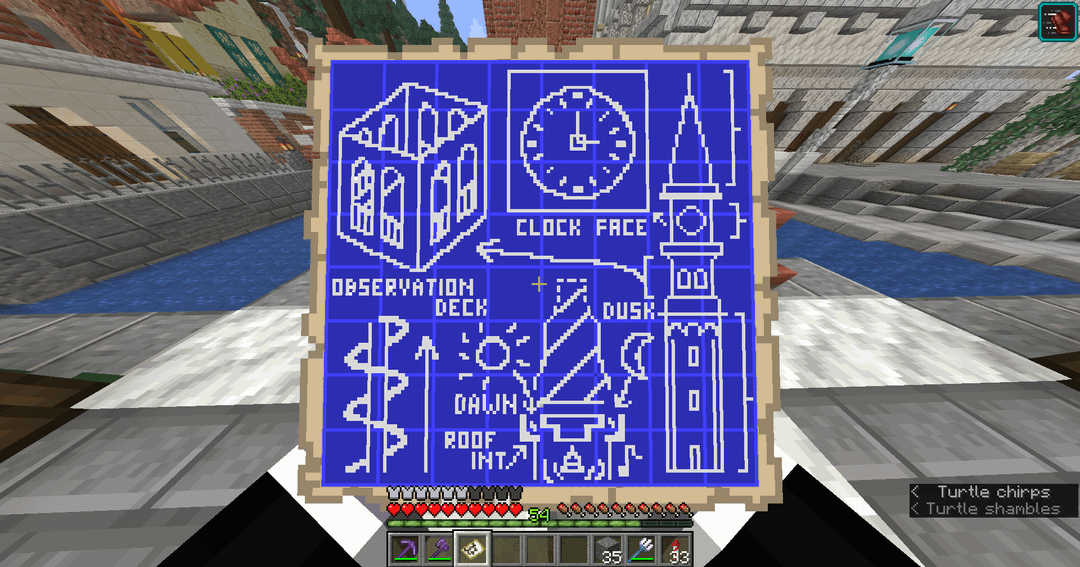
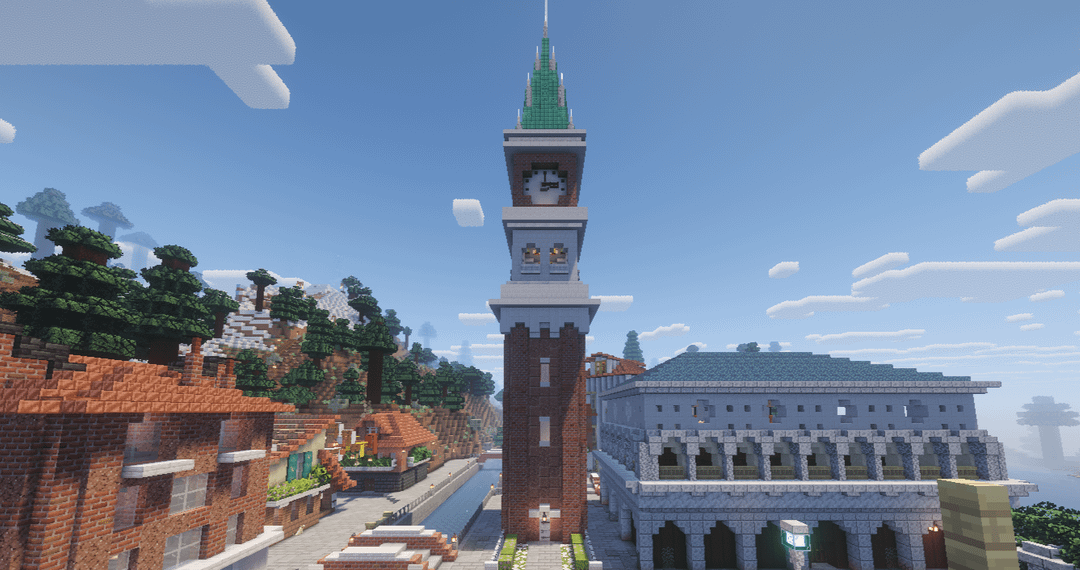
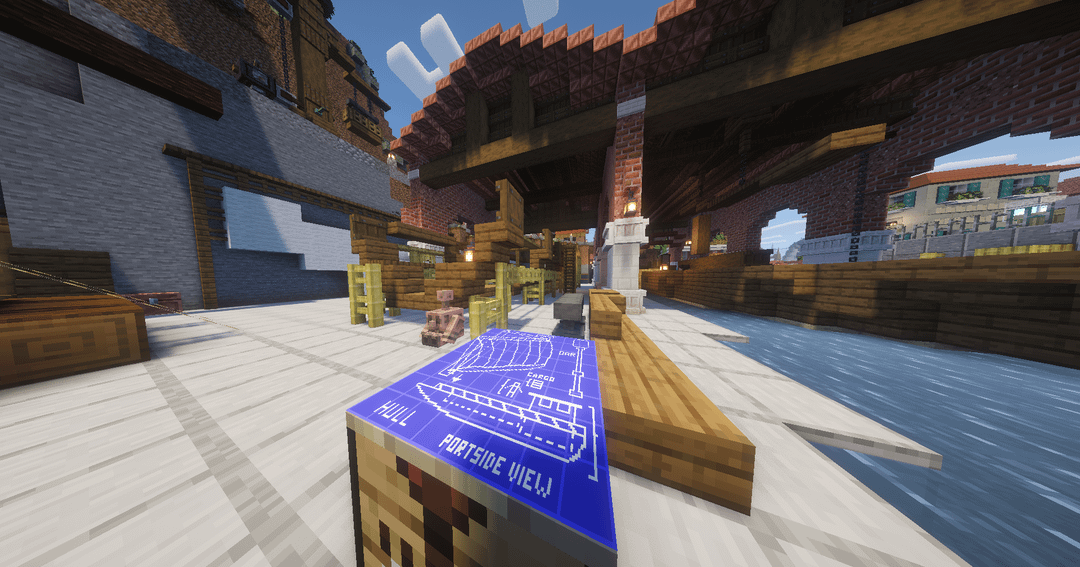
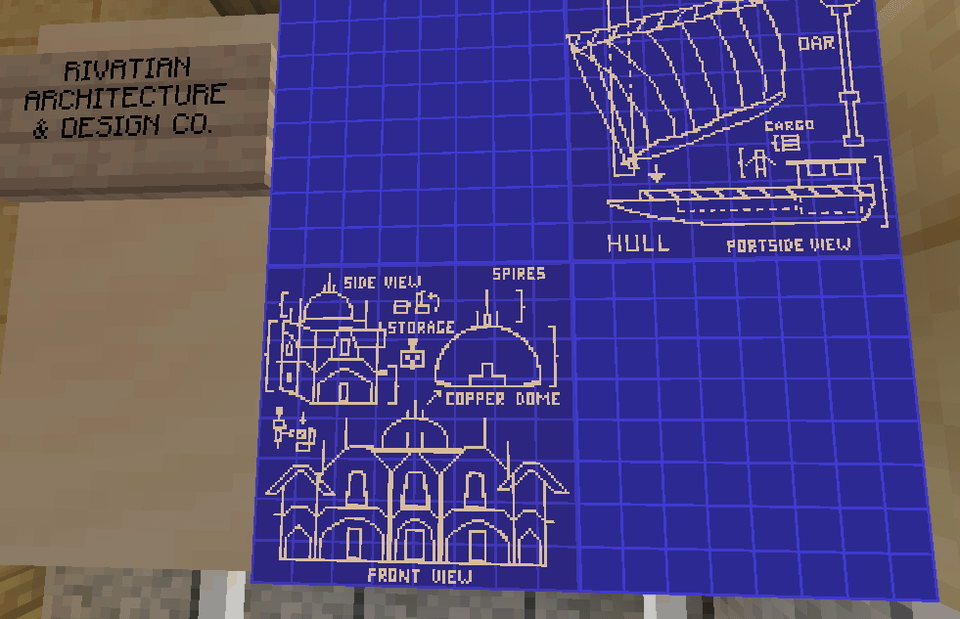
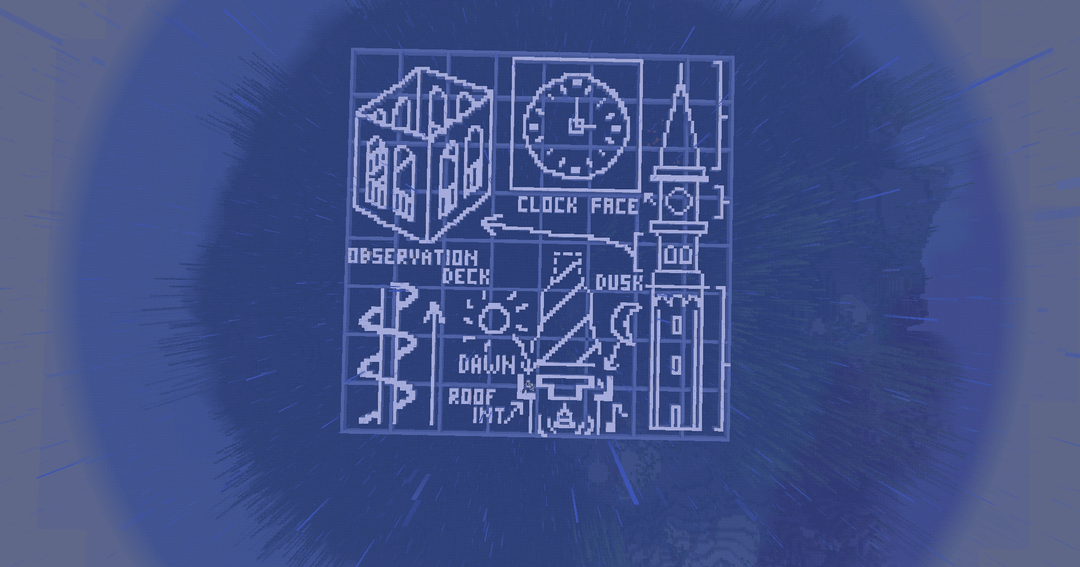
I love the look of these and used them to decorate an architect office in my city! Honestly they're not terribly hard to make either, but a bit time consuming and requires a bit of experience with either a photo-editing software or patience in MS Paint. I'll leave instructions for how I did it in a comment if you want to do it too!
by SeventhSpy
3 Comments
The materials are easy, just snow blocks over a ocean background. Easily farmable and quick to get, and no need to fill in the whole map area.
1. First, the grid: I built it one block below the surface of the water so the white of the lines wouldn’t clash with the drawing lines. Each grid line is 16 blocks spaced apart, so it’s real easy to just build it in survival or build it in a creative world then make a schematic of it with Litematica. I can probably give you my schematic if you don’t want to build it.
2. The actual designs are a bit trickier. I did mine with two methods:
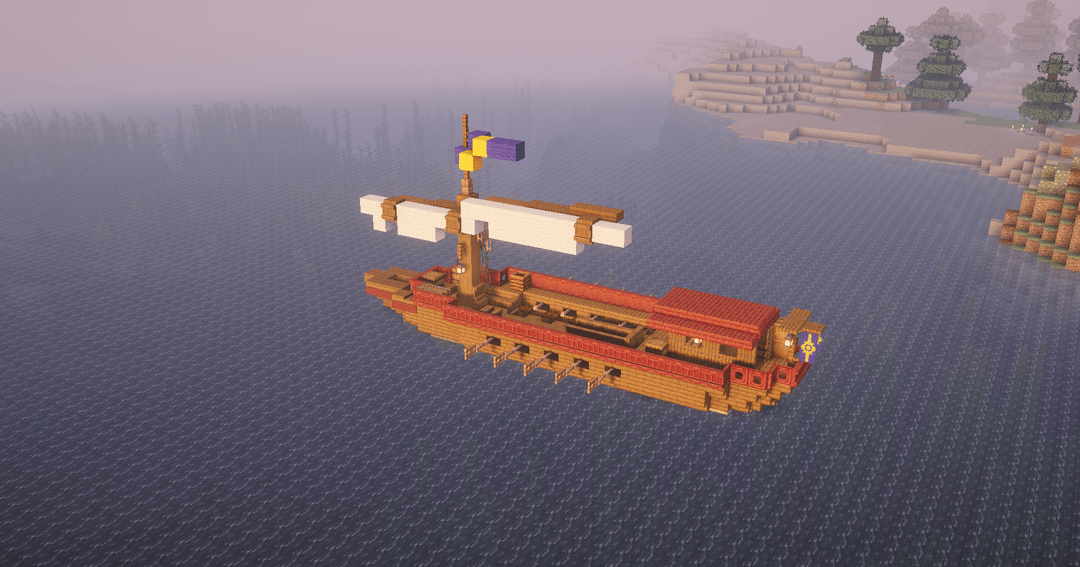
-The first I made was the ship. For that one, I just made a 128×128 px doc in MS Paint and drew it out with a white pixel pencil on a blue background (that’s why parts of it look pretty rough lol).
-For the buildings, to ensure my scale and dimensions felt more consistent I used Affinity (Canva’s free version of photoshop). In a 128×128 px file I imported some screenshots of my buildings, and traced over their main features with the pixel coloring tool. Used blue pixels to fix any mistakes. Added some freehand drawings as well.
3. After designing, I exported the image as a png and used a minecraft mapmaker site to convert it to a litematica schematic. I used this one: [https://www.minecraftmapmaker.com/](https://www.minecraftmapmaker.com/) but i’m sure others work fine too. I set the blue block to blue carpet (important for later) and white to snow, and turned off all the other colors – although you might not need to do that part if it’s already showing up as two colors only.
4. Take the litematica schematic and paste it in a creative world in the air so no blocks are touching it. Important – paste ONLY the TOP layer, which contains the blue carpet and snow, not the underlying layer. (You can change this in the Litematica settings)
5. Fly around and punch out all the blue carpet, which will break in big chunks since there is nothing under it holding it up. Easy and fast. During this you can also make small fixes to the design since it’s easier to preview with a real map and see what places look weird in-game.
6. Once it’s only the snow left, save a new schematic of just that and use that to build it in your survival world. Full transparency, I used litematica easy-place mode which I know some people may find cheaty, but it saved me a lot of time. I built mine at the level of the water surface, so it’s resting directly on top of the grid and you can use that to build off of as well if you’re not using easy-place.
This is fire, well done!
Incredible