
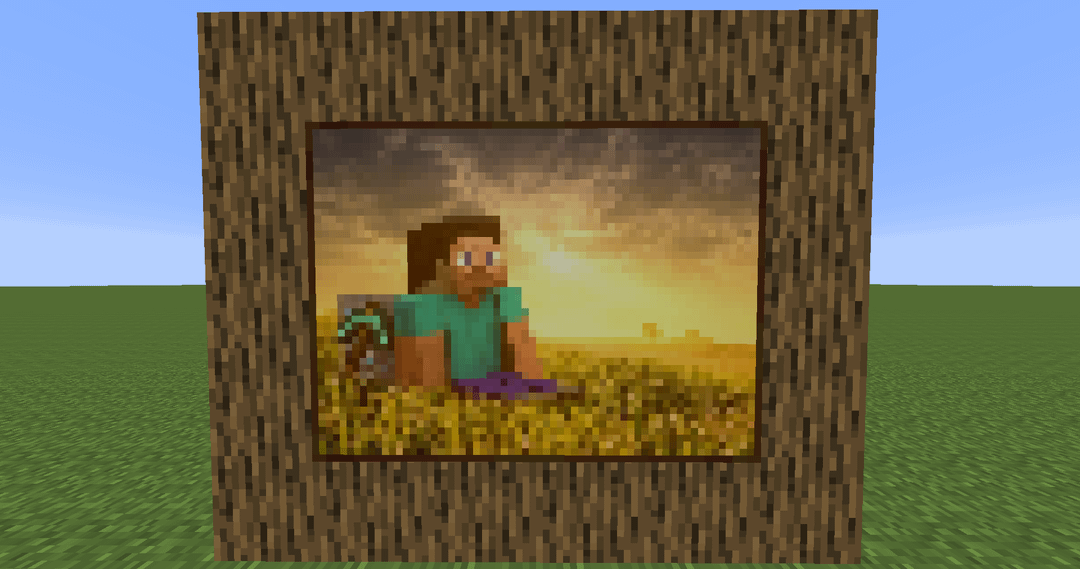
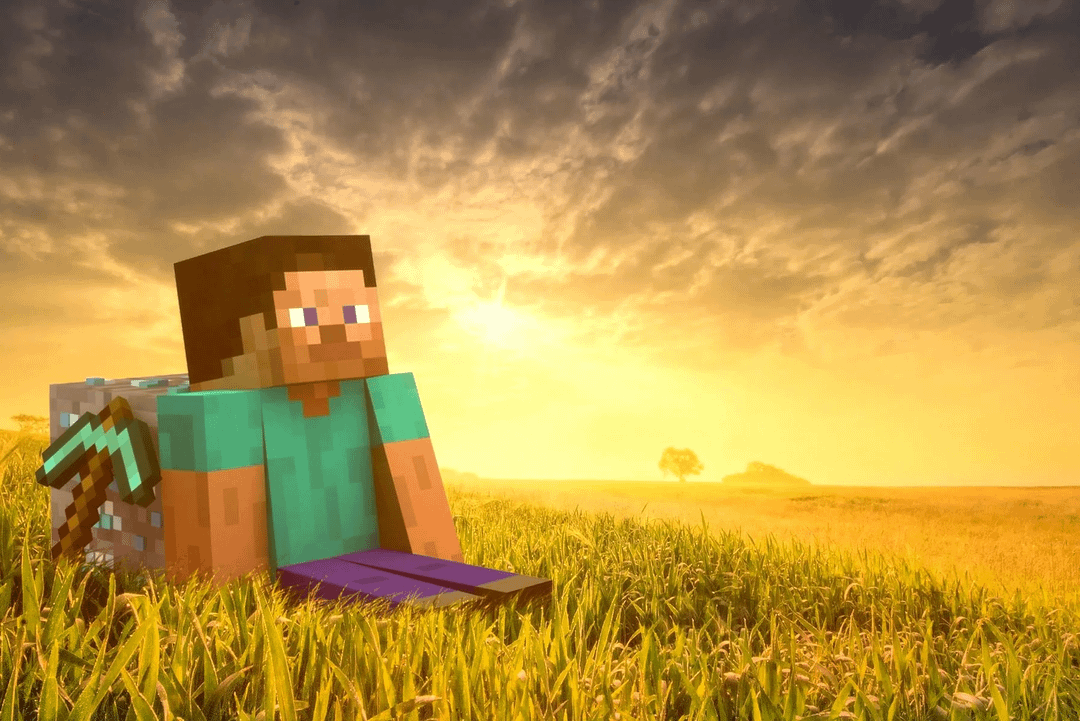
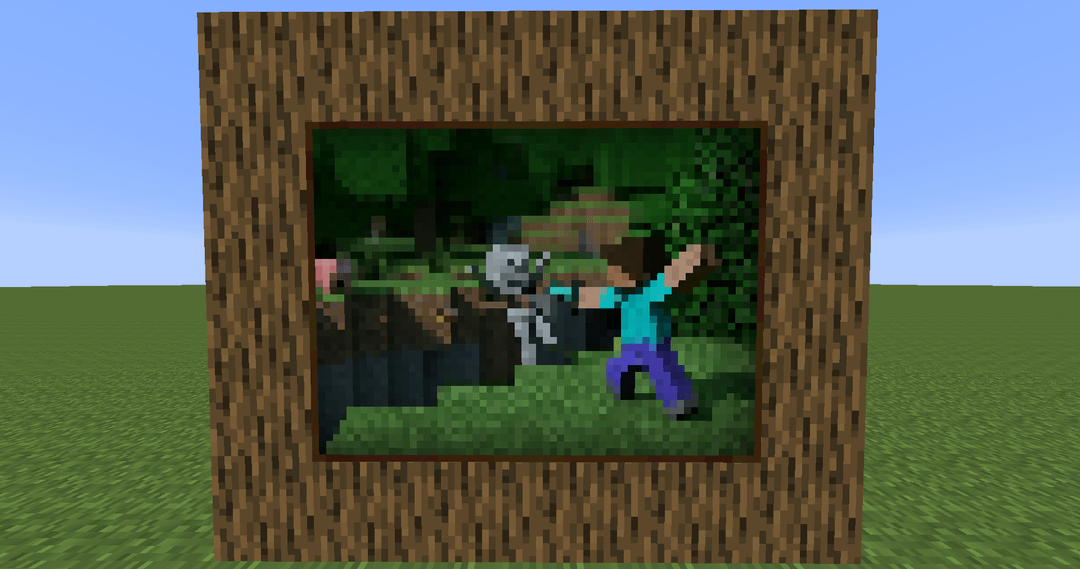
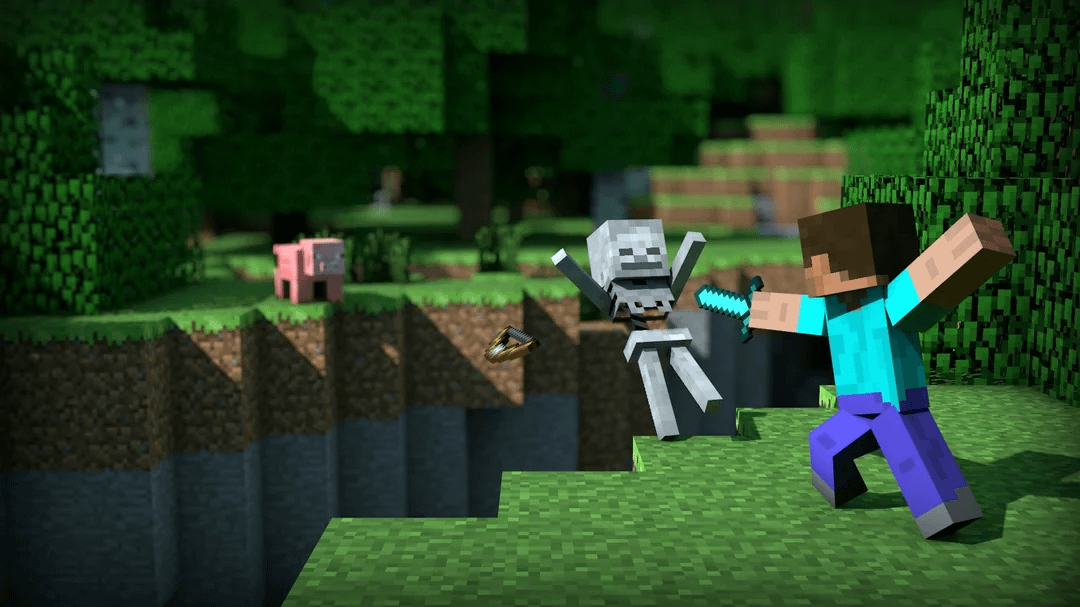
Relatively simple process if you want to do this yourself. First, determine which painting size you want, then crop the image to the nearest-common multiple of the dimensions of the painting, then you just downscale it to the size of the painting and add it into the frame.
For example, if you had a 700×700 image and wanted to make it into a 32px32p painting, the closest multiple of 30 is 690, so you'd crop to 690×690, then it can be properly downscaled to 30×30. You take 2 pixels off of the dimensions [30×30 instead of 32×32] to account for the frame of the painting.
You can then make it into a JE resource pack by inputting the file into https://www.mcpaintings.com/
Downscaling is the easy part, but they're not guaranteed to look good. I tried some others and they didn't end up translating well, but these are the two that turned out the best. (Though it took a lot of trial and error to get the "Steve in the field" one to look right (had to adjust the cropping many times), but it worked out in the end.)
by BradenStew
1 Comment
Nostalgia