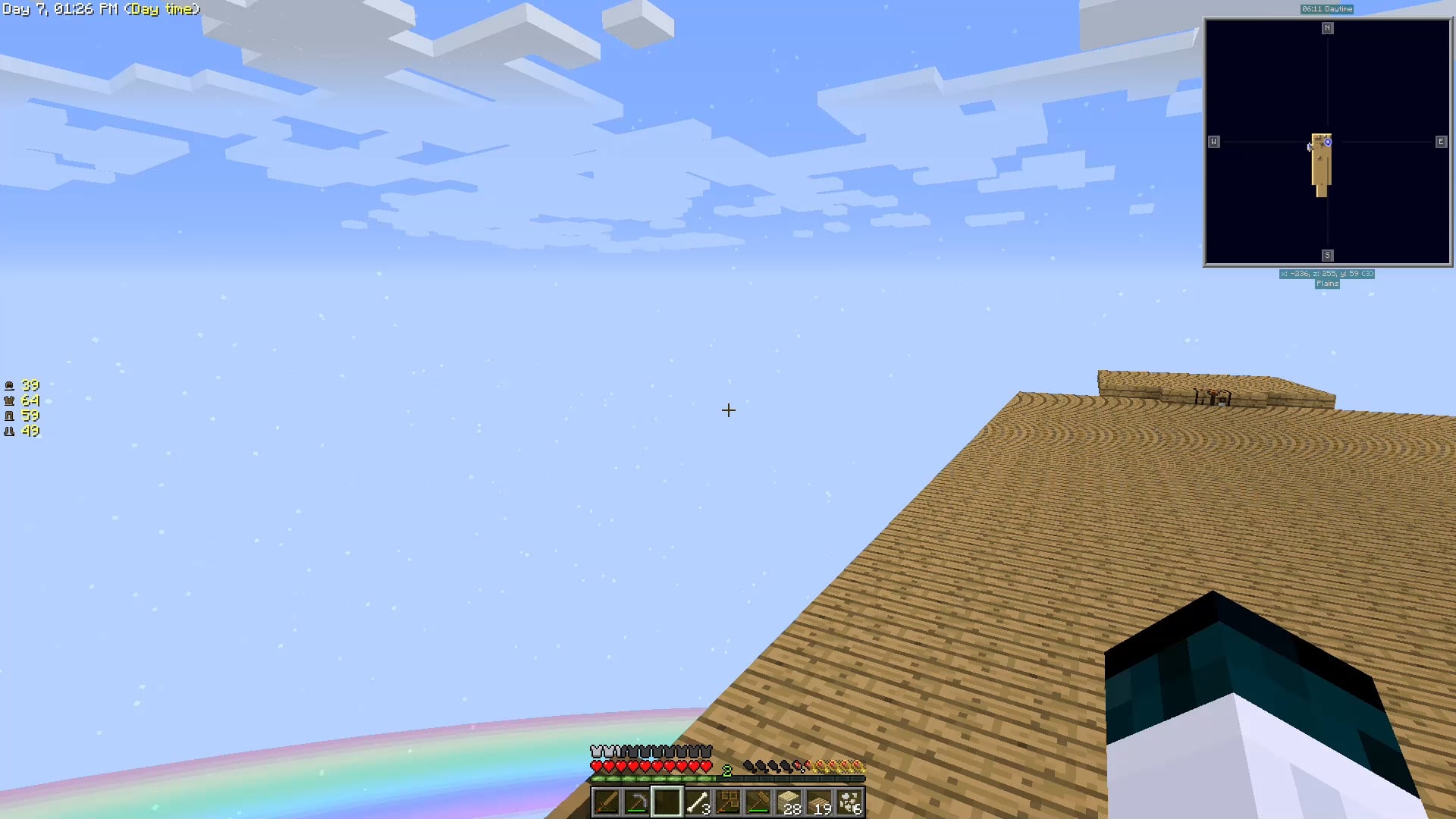
I don’t see any flickering. Are you wondering about why it changes color?
error-bear on
No flickering, may be monitor issue
Unit88 on
It’s hard to see because of the low frame-rate but by “flicking” do you mean that as you turn left and right your camera occasionally goes farther then it should suddenly? I had that problem at various times but I never figured out what causes or solves it
HipnoticTalkz on
If you haven’t already, turn off mouse acceleration.
For windows: Settings -> Bluetooth & Devices -> Mouse then click on “Additional Mouse Settings” there should be a tab that says something like “Pointer Options”. Find “Enhanced Pointer Precision” and uncheck it, then click apply.
Mouse Acceleration increased the range of movement on your pointer the faster you move you mouse, so if you’re having slightly janky hand movements (even for just a second) it will make it move faster across your screen, potentially making it look like a stutter
CrystalFyre on
Whenever this happened to me I just downloaded a “raw input” mod for the mouse and that seemed to fix it.
Technical-Ad733 on
I had this issues months ago!!! I forgot the exact fix but I think it was a mod that had some mouse fixes? Maybe a mouse tweaks type mod
TheBrexit on
I had this with another mod pack, I don’t remember ever fixing it, it was really annoying. I would just try turn raw input on/off in the controls if it’s there. It was weird, I remember capping my frame rate “fixed” it but I was stuck at 60 fps then
TheColossis1 on
Check under your mouse. There might be a bit of fluff or a stray hair
Zac0930 on
If you’re able to, try reducing the polling rate of your mouse.
I once read Minecraft doesn’t like a high polling rate. Not sure how true that is, but thought I’d share!
Downtown_Entry_2120 on
This is afaik a specifically 1.10.2 problem. I had it on FTB Beyond as well. I don’t remember how I fixed it but I did at some point.
Downtown_Entry_2120 on
Hey I left another comment but TURN DOWN YOUR POLLING RATE, look up how to do it. Old Minecraft freaks out when your mouse sends it too many inputs.
FuryJack07 on
What are you moving your mouse on? Some uneven surfaces kind of do what you’re describing in the replies.
Try to get a mousepad or something similar and see if that fixes the issue.
AnnualDescription809 on
I had this once but i dont remember what it was. Polling rate related I think. It only did it in windowed or fullscreen (dont remember which). Try toggling raw mouse input and/or lowering polling rate?
unof1110 on
Do you have an attack shark, perchance?
General_Rhino on
I have the same issue, it happens when minecraft runs at low framerates/lag spikes. Haven’t found a solution (it seems this is an uncommon problem based on the replies) besides upgrading my PC/installing performance mods.

15 Comments
I don’t see any flickering. Are you wondering about why it changes color?
No flickering, may be monitor issue
It’s hard to see because of the low frame-rate but by “flicking” do you mean that as you turn left and right your camera occasionally goes farther then it should suddenly? I had that problem at various times but I never figured out what causes or solves it
If you haven’t already, turn off mouse acceleration.
For windows: Settings -> Bluetooth & Devices -> Mouse then click on “Additional Mouse Settings” there should be a tab that says something like “Pointer Options”. Find “Enhanced Pointer Precision” and uncheck it, then click apply.
Mouse Acceleration increased the range of movement on your pointer the faster you move you mouse, so if you’re having slightly janky hand movements (even for just a second) it will make it move faster across your screen, potentially making it look like a stutter
Whenever this happened to me I just downloaded a “raw input” mod for the mouse and that seemed to fix it.
I had this issues months ago!!! I forgot the exact fix but I think it was a mod that had some mouse fixes? Maybe a mouse tweaks type mod
I had this with another mod pack, I don’t remember ever fixing it, it was really annoying. I would just try turn raw input on/off in the controls if it’s there. It was weird, I remember capping my frame rate “fixed” it but I was stuck at 60 fps then
Check under your mouse. There might be a bit of fluff or a stray hair
If you’re able to, try reducing the polling rate of your mouse.
I once read Minecraft doesn’t like a high polling rate. Not sure how true that is, but thought I’d share!
This is afaik a specifically 1.10.2 problem. I had it on FTB Beyond as well. I don’t remember how I fixed it but I did at some point.
Hey I left another comment but TURN DOWN YOUR POLLING RATE, look up how to do it. Old Minecraft freaks out when your mouse sends it too many inputs.
What are you moving your mouse on? Some uneven surfaces kind of do what you’re describing in the replies.
Try to get a mousepad or something similar and see if that fixes the issue.
I had this once but i dont remember what it was. Polling rate related I think. It only did it in windowed or fullscreen (dont remember which). Try toggling raw mouse input and/or lowering polling rate?
Do you have an attack shark, perchance?
I have the same issue, it happens when minecraft runs at low framerates/lag spikes. Haven’t found a solution (it seems this is an uncommon problem based on the replies) besides upgrading my PC/installing performance mods.