
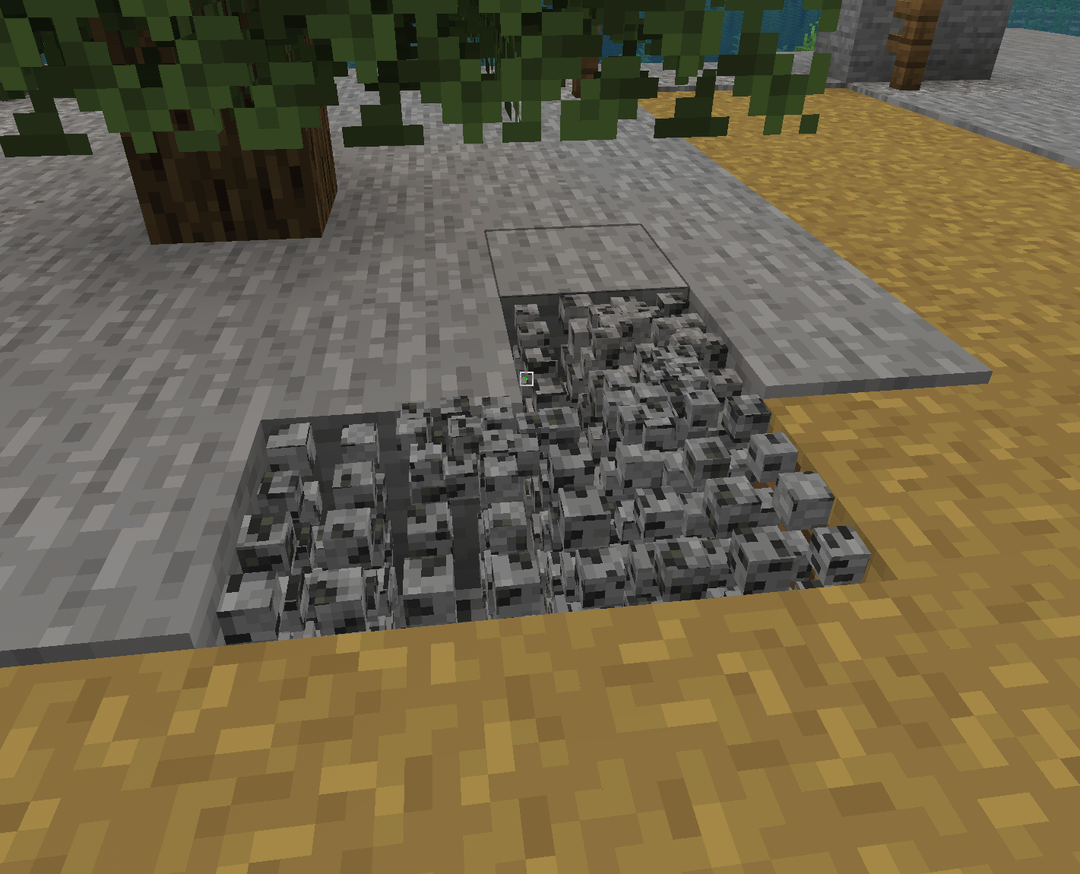
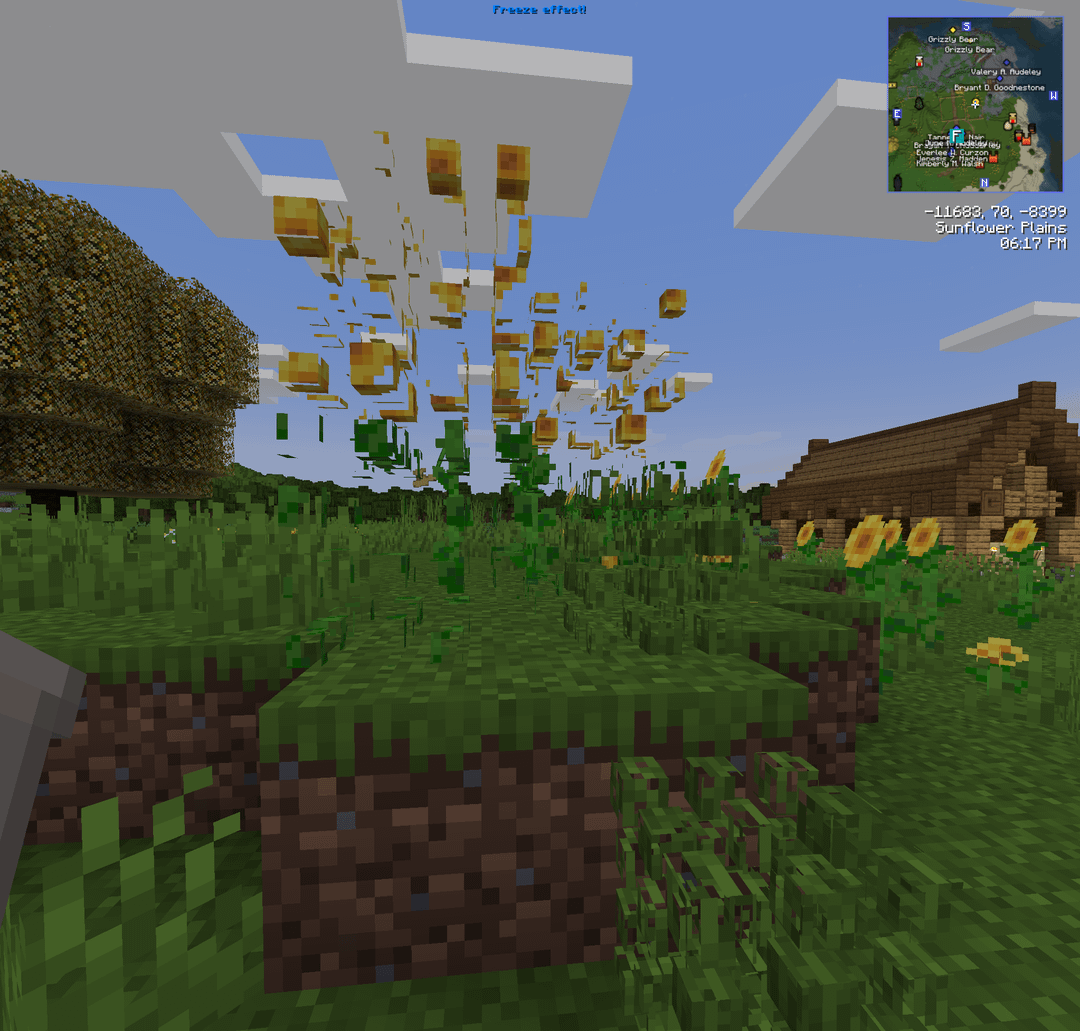
I've removed all custom resource packs, disabled shaders, tried different video settings, does anyone know what mod or setting would cause this? Reloading the client doesn't help.
by NickelCoder
I've removed all custom resource packs, disabled shaders, tried different video settings, does anyone know what mod or setting would cause this? Reloading the client doesn't help.
by NickelCoder
4 Comments
Move over Bugrock, make room for Bugva edition
I found the culprit – Fancy Block Particles binds [R] to “Freeze particles”. Not sure why I would *ever* need to toggle this.
Had a feeling it was some sort of particle mod.
Not sure which one, but glad you found it.
Ya. Complete pain visually!
I honestly don’t know why anyone would even author something like this …
It could be the physics mod if you have that because it doesn’t like break physics on non full blocks so you can change the particles per object in its settings