
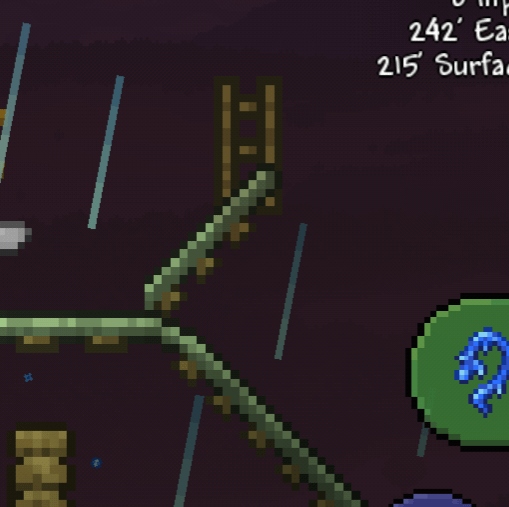
I'm trying to use my hammer on this to adjust it, but any time i even click NEAR the track, it just uses/gets off of the minecart rather than letting me interact with the rail.
by Will0wTheWicked
I'm trying to use my hammer on this to adjust it, but any time i even click NEAR the track, it just uses/gets off of the minecart rather than letting me interact with the rail.
by Will0wTheWicked
3 Comments
turn off smart cursor maybe
Don’t click with your fingers. Hover the cursor over the rail and look for the button that hasn’t switched to a mine-cart. If you aren’t already, then using advanced controls may also help with this.
Tap on “Fire” button and not “Interact”. Fire is indicated by sword icon while Interact is a finger icon (check in control settings)
Default layout: Interact on the left side while Fire is on the right side
Basically, Interact is Right Click while Fire is Left Click