
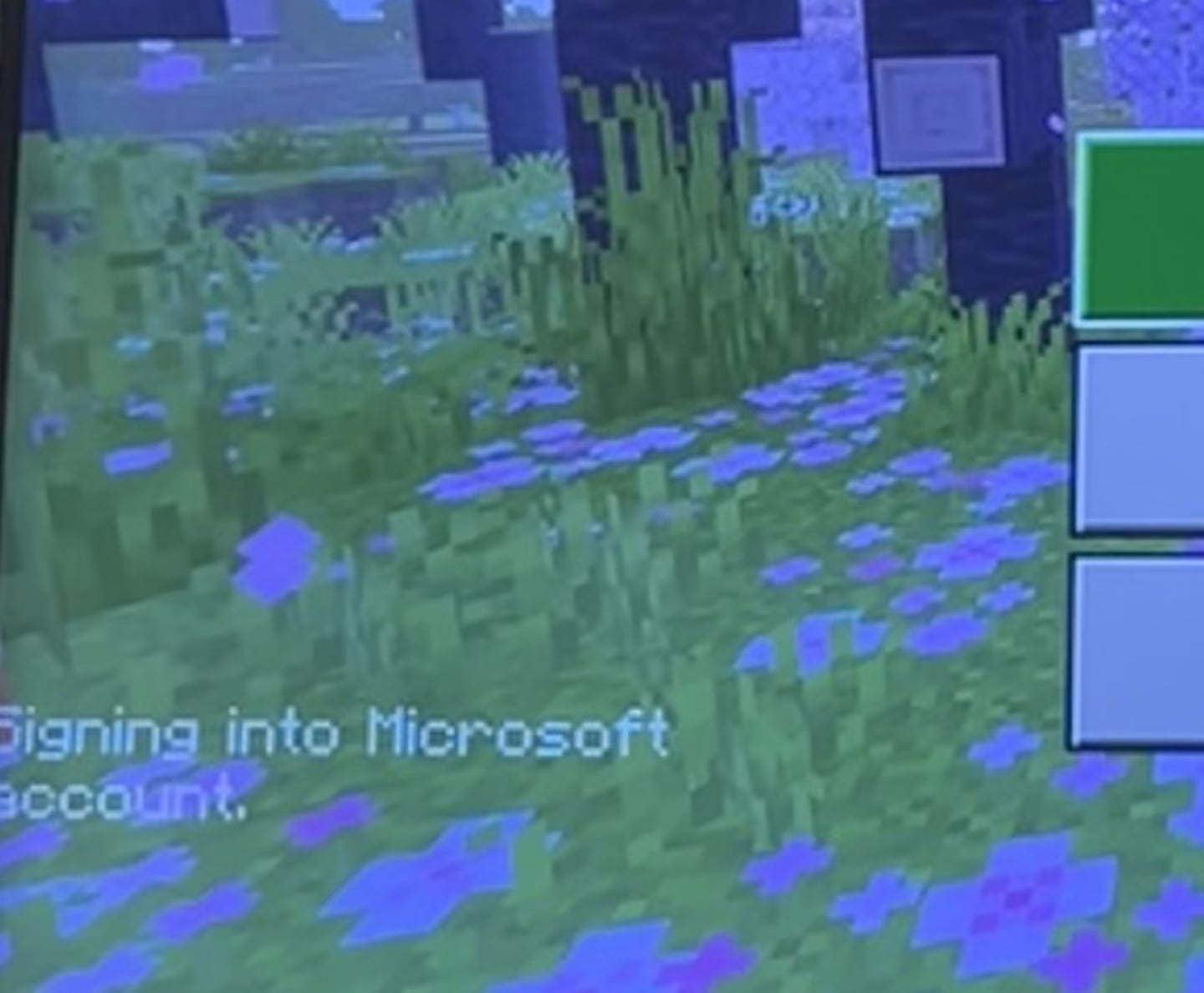
I was playing the game earlier with no issues and now it’s doing this. I’ve uninstalled, i’ve reset my system, and i’ve closed the app to reopen multiple times. Help?!
by OopsImaTragedy
I was playing the game earlier with no issues and now it’s doing this. I’ve uninstalled, i’ve reset my system, and i’ve closed the app to reopen multiple times. Help?!
by OopsImaTragedy
15 Comments
this is happening to me too, came to find some help or a resaon
Same here! Anyone find any fixes yet?
Happens to me too. If i open a world than it will stutter/freeze/framerate drop every few seconds.
Glad to know it’s not just me! Commenting to boost this post
Same issue for me as well
yea same here, just tryna build my auto sorter 😔
someone pls update me later 😭
If you people want to play minecraft right now without stutter/freeze/framerate drops. Then disable the network/internet connection on your PS5. In the PS5 settings menu. Your world should run normal after that. I think it only works in a singleplayer survival world.
I believe there’s an outage with Microsoft that’s causing this
I hope they are working on it rn
Man, of course as I get the 2 week itch to play minecraft, they decide break bedrock even more with this crappy update.
Nice heads-up 🤦♂️
I have the same problem
I am having the same exact problem
Yeah I thought I could play, but it’s giving me a headache with the choppy frame rates. Didn’t have any issue before.
i had something similar happen on my pc once, turning off the internet helped a lot