
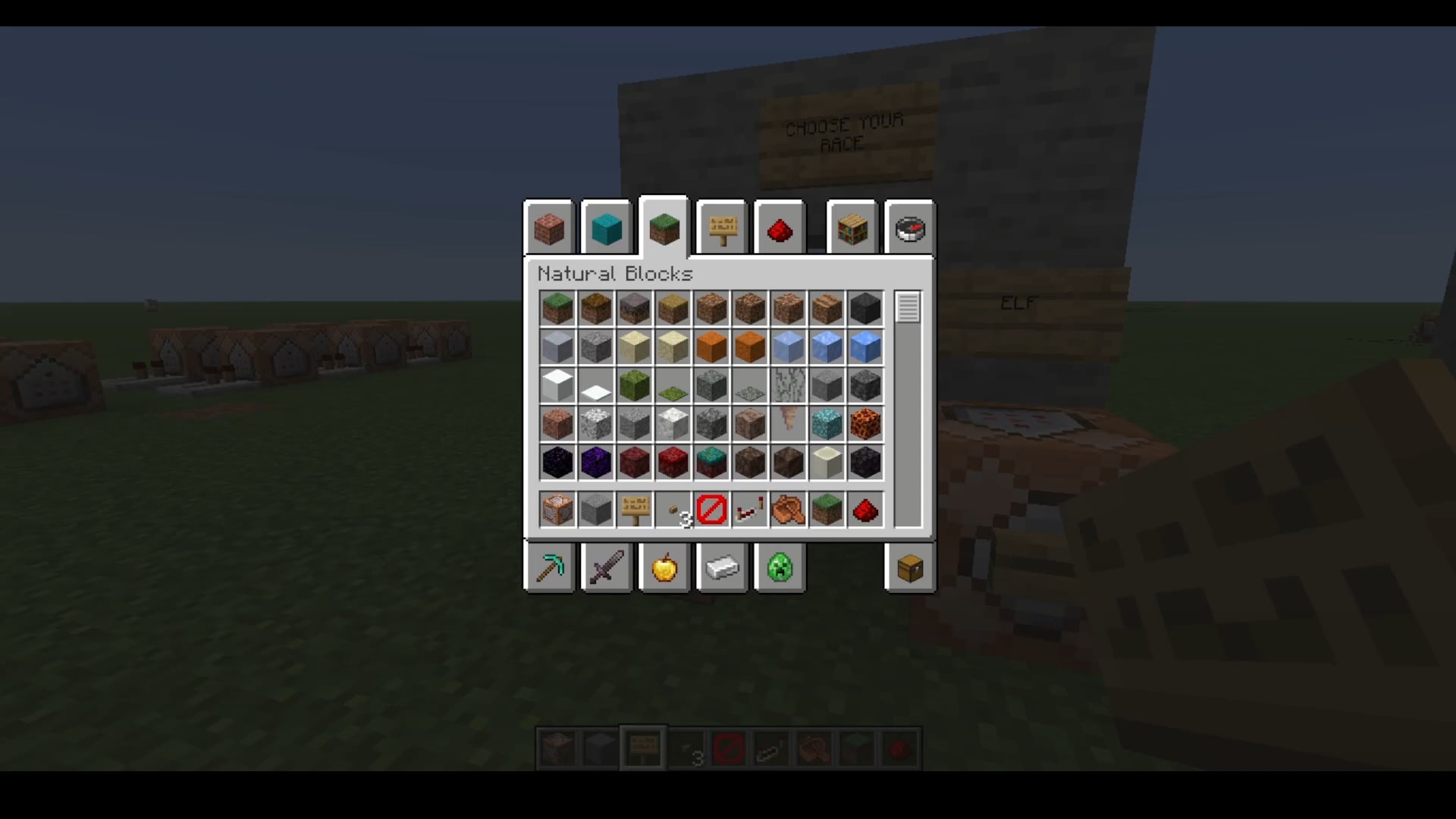
I used the scoreboard command to make races and occupations. You can have NPCs have specific dialogue based on your race and occupation.
How I did it:
Set up your race scoreboard:
/scoreboard objectives add Race dummy
Set up your occupation scoreboard:
/scoreboard objectives add Occupation dummy
Set up your race definitions in a command block:
scoreboard players add u/p Race 1 (In this example, 1= Human)
scoreboard players add u/p Race 2 (In this example, 2= Elf)
Set up your occupation definitions in a command block:
scoreboard players add u/p Occupation 1 (In this example, 1= Scholar)
scoreboard players add u/p Occupation 2 (In this example, 2= Thief)
scoreboard players add u/p Occupation 3 (In this example, 3= Farmer)
Set up your race check when talking to NPC:
execute if entity u/p[scores={Race=1}] run setblock 1 1 1 minecraft:redstone_block replace
execute if entity u/p[scores={Race=2}] run setblock 2 2 2 minecraft:redstone_block replace
At the block that gets set based on race, set up your occupation check (this set of commands are for the Elf race, repeat for other races):
execute if entity u/p[scores={Occupation=1}] run say An Elven Scholar!
execute if entity u/p[scores={Occupation=2}] run say An Elf thief!
execute if entity u/p[scores={Occupation=3}] run say An Elven farmer!
This can get even deeper if you want, just by using these commands and setting up more scoreboards!
by Zizumias
2 Comments
I cannot edit, but u/p equals (@p)
I think it goes to r/MinecraftCommands, this sub is for details in building