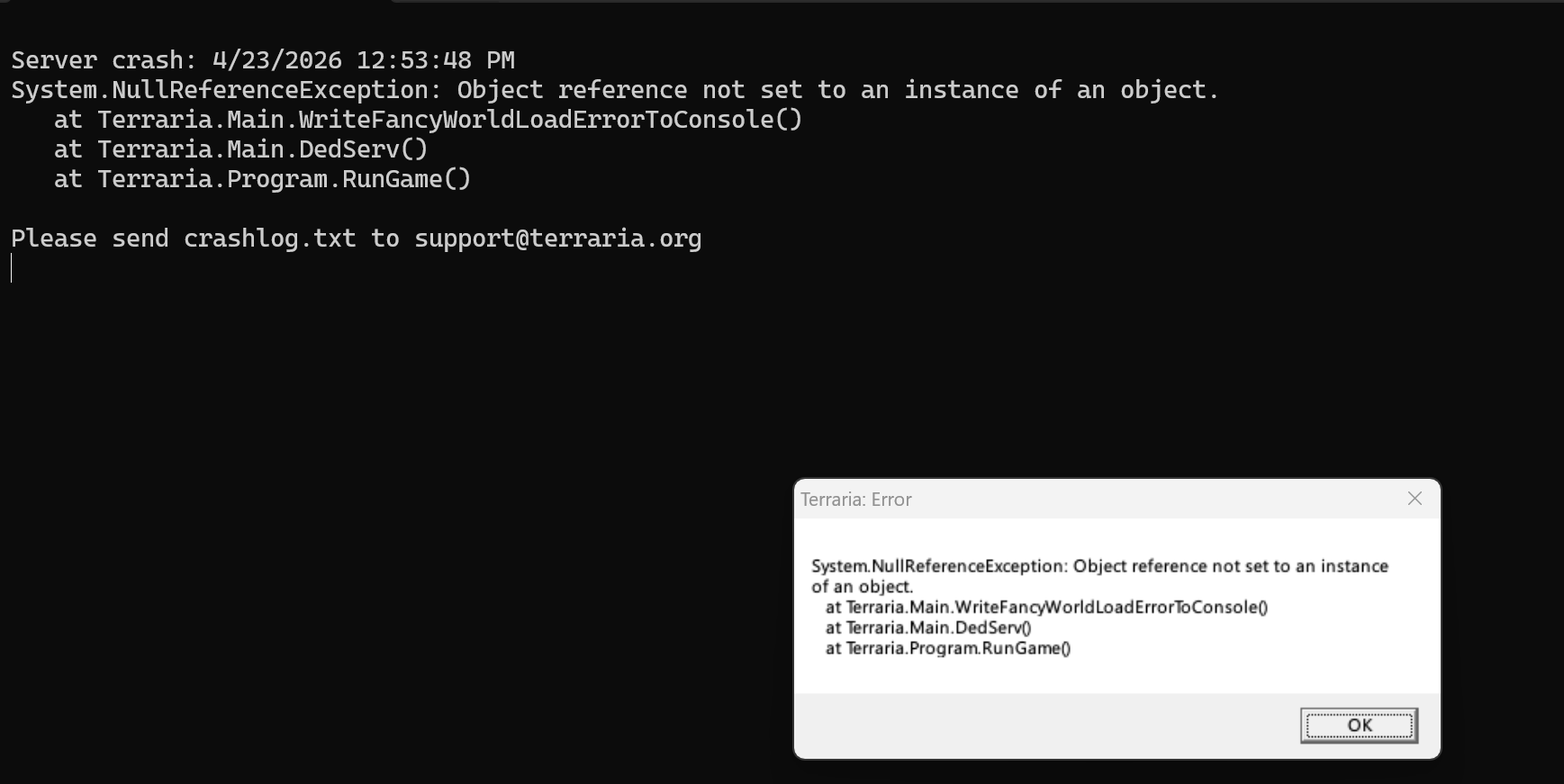
Any ideas why server crashes immediately on windows? tried installing and uninstalling and tried different worlds. always crashes. doesn’t crash on other computer.
Any ideas why server crashes immediately on windows? tried installing and uninstalling and tried different worlds. always crashes. doesn’t crash on other computer.
EDIT: FIGURED IT OUT TLDR go to [terraria.org](http://terraria.org) and get the server files and copy paste the contents into the steam folder with the terrariaserver.exe click yes to replace all existing files.
If I create a new world via the server commands i can host that one, just not any others. I checked my files and all my worlds are in the right spot as far as i can tell
EDIT: I noticed that the world generated via the server doesn’t have a .bak2 file. So I tried moving the .bak2 file from a world that doesn’t work but it didn’t help. And the server generated world is in the same folder as the rest of the worlds, so it seems pointed in the correct place…
EDIT 2: I also tried serverconfig commands “world=C:\Users\YOUR_USERNAME_HERE\My Documents\My Games\Terraria\Worlds\world1.wld” and “upnp=1”
EDIT 3: crash log in text:
“4/23/2026 1:12:02 PM
System.NullReferenceException: Object reference not set to an instance of an object.
at Terraria.Main.WriteFancyWorldLoadErrorToConsole()
at Terraria.Main.DedServ()
at Terraria.Program.RunGame()”
EDIT 4: Ok I tried to load into the world I generated via the server and it says “You are not running the same version as this server.” But this is all on the same computer being launch from the steam folder. It says the server is [1.4.4.9](http://1.4.4.9) and the game is [1.4.5.6](http://1.4.5.6) is there a way to fix this? It’s weird because hosting still works on my other computer.
EDIT 5: GOT IT! I had to go to [terraria.org](http://terraria.org) and get the new server files. Idk why they don’t download with steam. I never play on my other computer where I’m hosting but for some reason the server is updated there and not on my main pc where I play all the time…even after uninstalling and reinstalling. Weird.

1 Comment
EDIT: FIGURED IT OUT TLDR go to [terraria.org](http://terraria.org) and get the server files and copy paste the contents into the steam folder with the terrariaserver.exe click yes to replace all existing files.
If I create a new world via the server commands i can host that one, just not any others. I checked my files and all my worlds are in the right spot as far as i can tell
EDIT: I noticed that the world generated via the server doesn’t have a .bak2 file. So I tried moving the .bak2 file from a world that doesn’t work but it didn’t help. And the server generated world is in the same folder as the rest of the worlds, so it seems pointed in the correct place…
EDIT 2: I also tried serverconfig commands “world=C:\Users\YOUR_USERNAME_HERE\My Documents\My Games\Terraria\Worlds\world1.wld” and “upnp=1”
EDIT 3: crash log in text:
“4/23/2026 1:12:02 PM
System.NullReferenceException: Object reference not set to an instance of an object.
at Terraria.Main.WriteFancyWorldLoadErrorToConsole()
at Terraria.Main.DedServ()
at Terraria.Program.RunGame()”
EDIT 4: Ok I tried to load into the world I generated via the server and it says “You are not running the same version as this server.” But this is all on the same computer being launch from the steam folder. It says the server is [1.4.4.9](http://1.4.4.9) and the game is [1.4.5.6](http://1.4.5.6) is there a way to fix this? It’s weird because hosting still works on my other computer.
EDIT 5: GOT IT! I had to go to [terraria.org](http://terraria.org) and get the new server files. Idk why they don’t download with steam. I never play on my other computer where I’m hosting but for some reason the server is updated there and not on my main pc where I play all the time…even after uninstalling and reinstalling. Weird.